Setting Up
This is a multi-platform application that we are currently developing and testing, but you can already use it.
Download v2raytun App
ATTENTION! This app is from a third-party developer; we do not add ads. You can install a different app from our website if ads bother you.
Setting UP
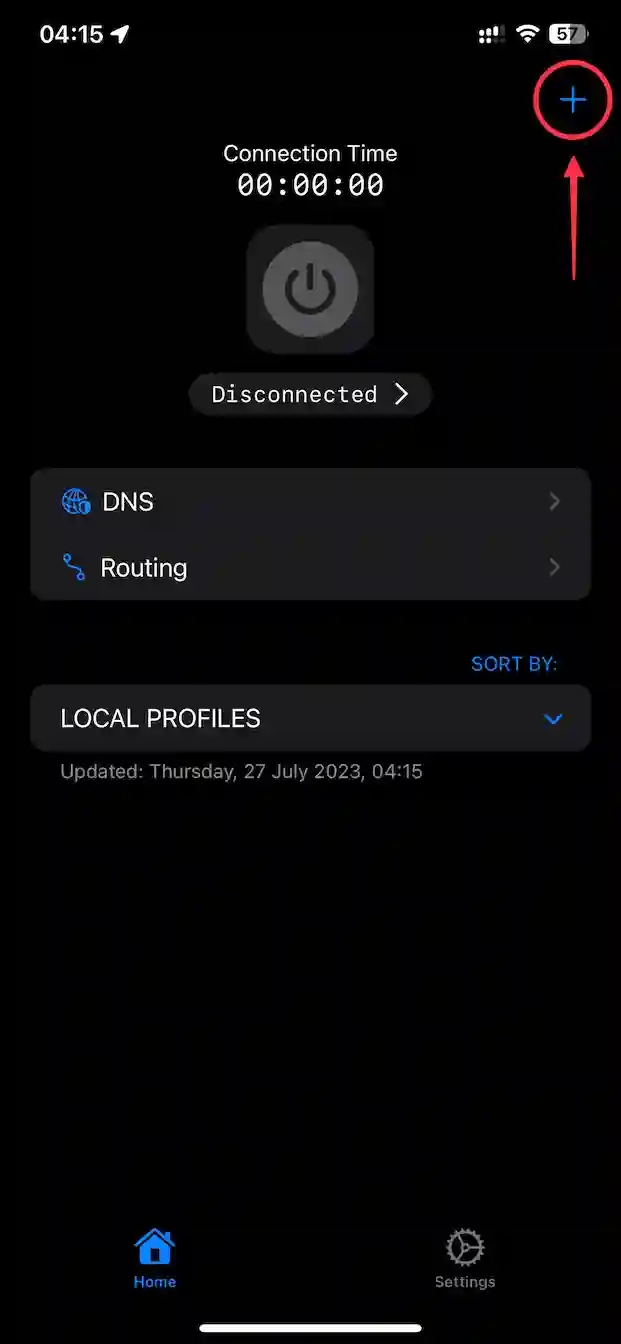
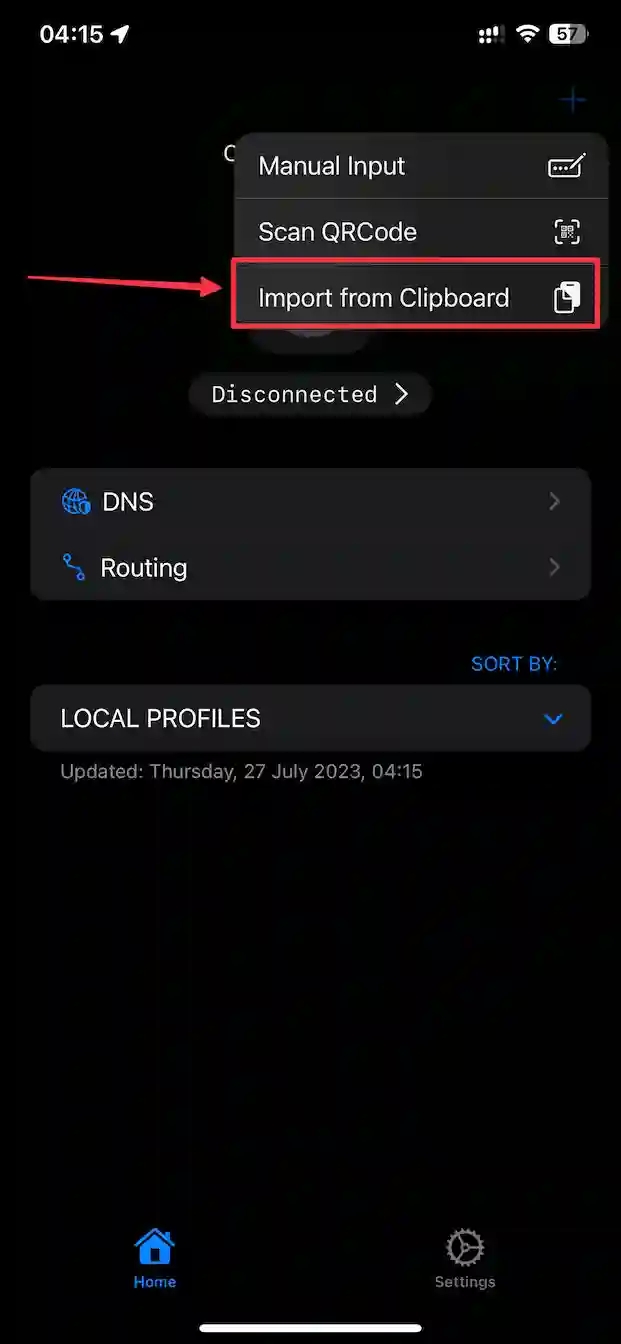
Once you have downloaded the app follow these steps:
v2raytun
Turn On the VPN
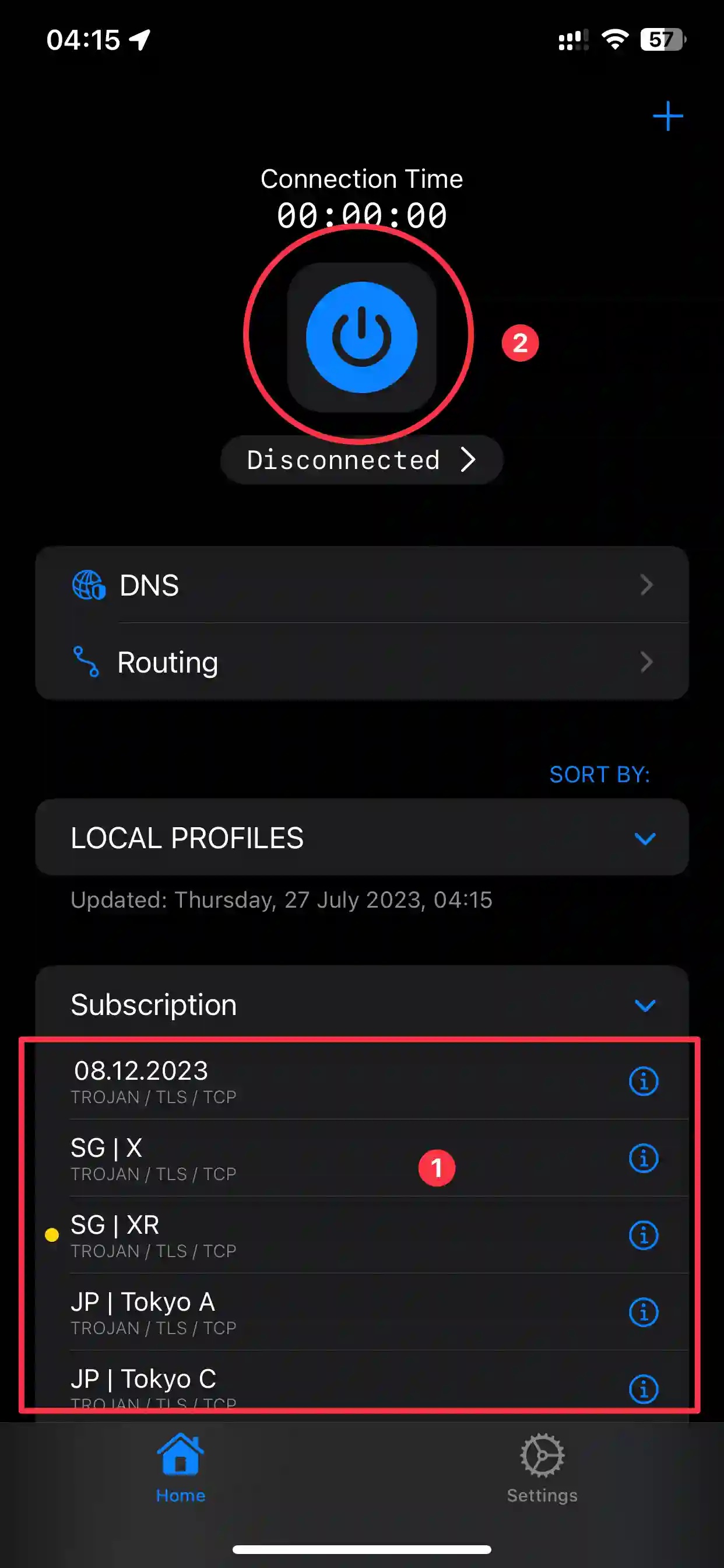
1) Select a server to connect to and click on it. An orange circle will appear on the left, indicating the server is selected.
2) To enable the VPN, click the large blue button at the top of the screen.
Read more